

We wanted to make sure using it didn’t make the already demanding exam process even more stressful. Now anyone can easily manage to take an exam.

Off-line mode prevents incomplete exams due to internet outages.
We don’t send exam recordings to anyone, even within your institution.
Thanks to the rules, everyone has the same conditions and nobody has an advantage over anyone else.
The proctor doesn’t watch you during the exam, and only looks at recordings after the exam.
No unnecessary application notifications will disturb you. You’ll simply take the exam without any interruptions.
Our key priority is security, including that of your data. That’s why we stick to the following rules during the test.
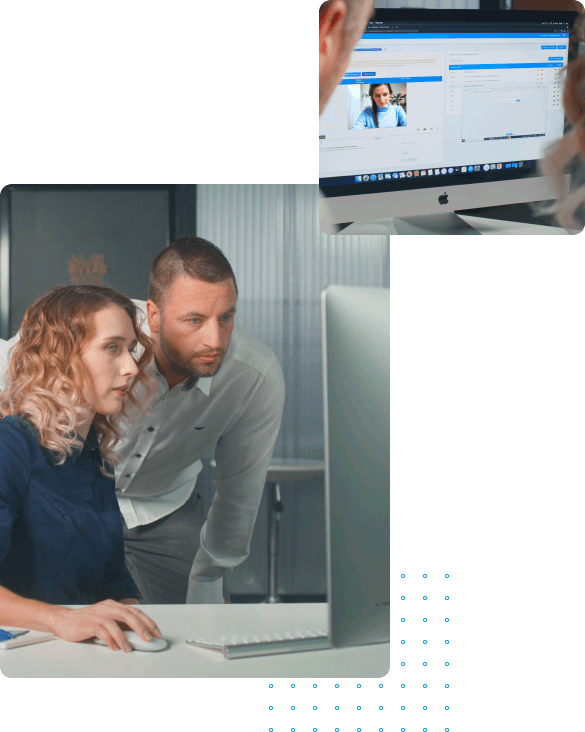
We minimize the amount of data and personal information that needs to be processed in order to assess whether any irregularities have occurred. For example, you can blur information on your ID that is not needed for identification purposes.
We don’t interfere with your computer, we merely monitor it. We won’t quit any applications you have running or block your work. However, we can monitor your activity, and if you use forbidden applications and services, your exam can be marked as irregular.
Even if your exams are evaluated using artificial intelligence (AI), a person decides if any irregularities occurred. At least two independent human evaluators always decide regarding an irregular exam.
Although we use modern technologies, we never collect or use biometric data.
The precise exam process can vary and is configured by the exam organizer (typically a faculty or university). An exam normally takes place as follows.
A week to two weeks prior to the exam, you will be given access to the ScioLink application. Several days before the exam you
will then be able to take an on-boarding test. This test allows you to check whether you comply with the minimum technical
requirements as well as allowing you to familiarize yourself with the test application environment.


The precise exam process can vary and is configured by the exam organizer (typically a faculty or university). An exam normally takes place as follows.
A week to two weeks prior to the exam, you will be given access to the ScioLink application. Several days before the exam you
will then be able to take an on-boarding test. This test allows you to check whether you comply with the minimum technical
requirements as well as allowing you to familiarize yourself with the test application environment.

Exam rules can differ, and you will always be informed of them in advance by the examination organizer. The stringency of the rules is influenced by things like the type of exam you’re taking. You typically have to comply with the following basic rules during an exam:
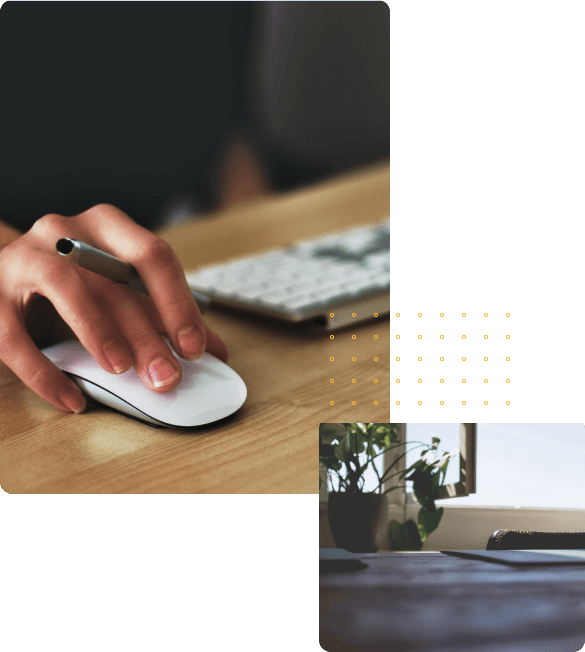
During the exam, you have to be alone in the room.
During the exam, your desk must be clear.
During the exam, items such as mobile phones, calculators, books and so on are prohibited.
During the exam, applications such as spreadsheets and communication applications are prohibited.
During the exam, web searches are forbidden.
You can take exams in the ScioLink system if your device meets the following minimum technical requirements.


